BUSINESS ENERGY COMPARISON SUPPORT

Your energy details.
A clearer comparison.

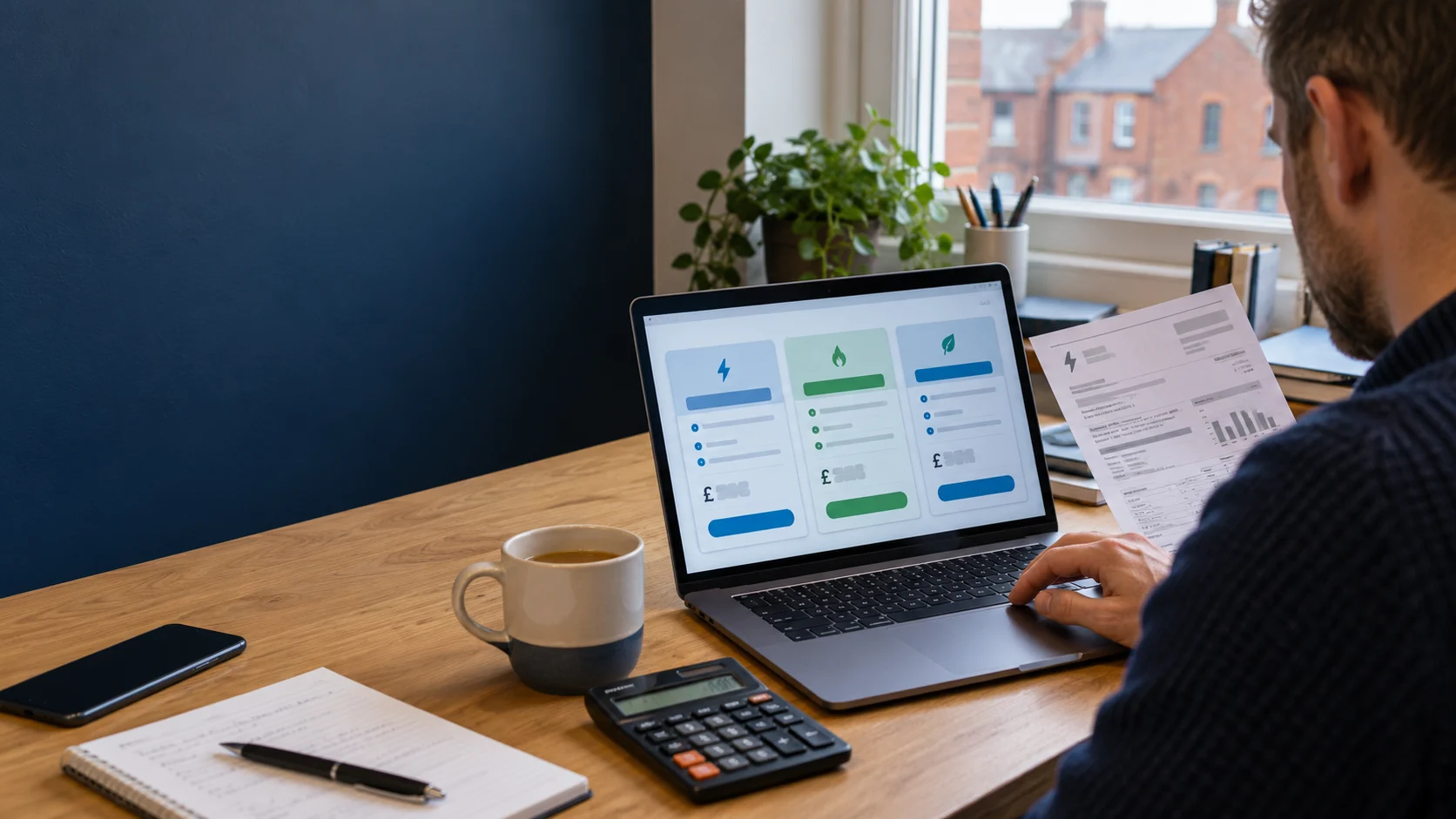
Get help uploading a bill, checking extracted information or entering your details manually so you can compare available business energy contracts.

Need assistance? Contact our support team.

START WITH THE RIGHT DETAILS

Better information makes your comparison more useful.

A clear bill can help provide the details needed. You can also enter information manually if you prefer or do not have a suitable document.

Get comparison support

Comparing business gas and electricity contracts starts with understanding the supply you need and how your business uses energy. Accurate information helps suppliers assess the enquiry and makes it easier to compare available offers on a consistent basis.

Uploading a recent bill can reduce manual typing, but it does not guarantee that every detail will be identified correctly. Whether you upload a document or enter information yourself, review the figures before continuing.

Choose a useful bill

Use a recent bill that includes the supply address, meter identifiers, consumption information and relevant rates. A payment reminder or account summary may not contain everything needed for a meaningful comparison.

Include the relevant pages and make sure the information is readable. Where your supplier provides an original PDF through its account portal, that may be clearer than a photograph of a printed copy.

Follow the upload tool’s instructions for accepted file formats and size limits. If a document is password-protected or cannot be processed, use the manual-entry option or contact our team for guidance.

Taking a clear photograph

Place the bill on a flat surface with even lighting. Keep the page edges visible and check that shadows, glare or folds do not hide figures. Review the image before uploading rather than assuming the camera has captured every detail sharply.

Only provide documents you are authorised to share. Avoid uploading unrelated correspondence, identity documents or unnecessary sensitive information. Never include account passwords or payment card security details.

Check your supply identifiers

An MPAN identifies an electricity supply point, while an MPRN identifies a gas supply point. These are different from the supplier’s account reference and the serial number on the meter. Check the correct identifier for each fuel.

Make sure the supply address matches the site you want to compare. Businesses with several locations, adjoining units or multiple meters should keep the information for each supply clearly separated.

Understand the usage period

A bill may show consumption for a month, a quarter or another billing period rather than a full year. Some documents also include an estimated annual figure. Check what the figure represents before entering it as annual usage.

Seasonal trading, heating, equipment changes and extended opening hours can affect how representative an earlier bill is. Tell us about changes and identify estimates rather than presenting uncertain figures as confirmed consumption.

Our bills and meter readings guide explains how to distinguish readings, consumption and the balance payable on an account.

Confirm your current contract details

Check your contract end date and any relevant notice requirements. A bill date or payment deadline is not necessarily the date your supply agreement ends. Ask your supplier if the information is unclear.

Read our business energy contracts guide for the documents to review. If you are preparing your next agreement, our contract renewals guide explains how to organise the next steps.

CHECK BEFORE YOU CONTINUE

Review the details. Compare the complete offer.

Understand the assumptions behind your comparison and look beyond a single headline price.

Review automatically extracted information

Where AI-assisted document processing is used, it helps identify and organise details from your bill. It can still misread numbers, confuse dates or miss information. Treat extracted details as something to verify, rather than a confirmed account record.

  • Check every digit of your MPAN or MPRN.
  • Confirm the supply address and business details.
  • Check whether consumption is annual or period-specific.
  • Confirm that usage is expressed in kWh.
  • Check whether rates are in pence or pounds.
  • Review standing charges and their daily basis.
  • Confirm the actual contract end date.
  • Check separate day, night or other electricity rates.

Correct errors where the journey allows or contact our team before continuing. If a bill includes several meters, do not assume that every figure relates to the same supply point.

Entering your details manually

You can use the manual-entry option if you prefer not to upload a document or do not have a suitable bill. Provide the supplier, supply address, meter identifiers, usage and contract information requested by the comparison journey.

Explain which details are unknown or estimated. If you have recently moved, your business may use energy differently from the previous occupier. Our moving premises guide explains the information to gather at a new site.

Compare like-for-like costs

Use the same consumption assumptions when comparing suppliers and contract lengths. Consider the unit rates, standing charges and any additional amounts rather than selecting solely on one rate.

Check which charges are included in the estimated total and which are excluded. Review tax treatment, payment conditions, security requirements and whether particular costs can change during the contract.

An estimated annual cost is not a guaranteed future bill. Actual consumption, contractual changes and other applicable charges can affect what you pay. The assumptions should be clear enough for you to assess the estimate.

Understand available suppliers and commission

We compare offers available through our supplier arrangements and do not claim to cover every supplier or tariff in the market. Available options can depend on the site, usage, customer details and supplier criteria.

Before committing, read the relevant commission or fee disclosure. Commission may be included in the rates you pay. Our How We Are Paid page explains the usual arrangements.

Uploading does not agree a supply contract

Providing information or uploading a bill supports your enquiry or comparison. It does not, by itself, authorise us to enter into a supply contract on your behalf. A contract requires a separate agreement or appropriate express authority.

Before accepting an offer, check the principal terms and ask about anything unclear. Do not assume a business energy contract has a cooling-off period. For the next stage, see our switching supplier guide.

Common upload problems

  • The file is rejected: check the supported format and size shown in the upload tool.
  • Figures are missing: check whether all relevant pages are included.
  • Text is misread: try a clearer document or enter the details manually.
  • Several sites appear: keep the information for each supply separate.

If the problem continues, tell us the step where it occurred, any error message and the device and browser used. Do not send passwords or unnecessary account information when reporting a technical issue.

Your information and privacy

Bills can contain personal and business information. Read our Privacy Policy for information about document processing, service providers and your rights.

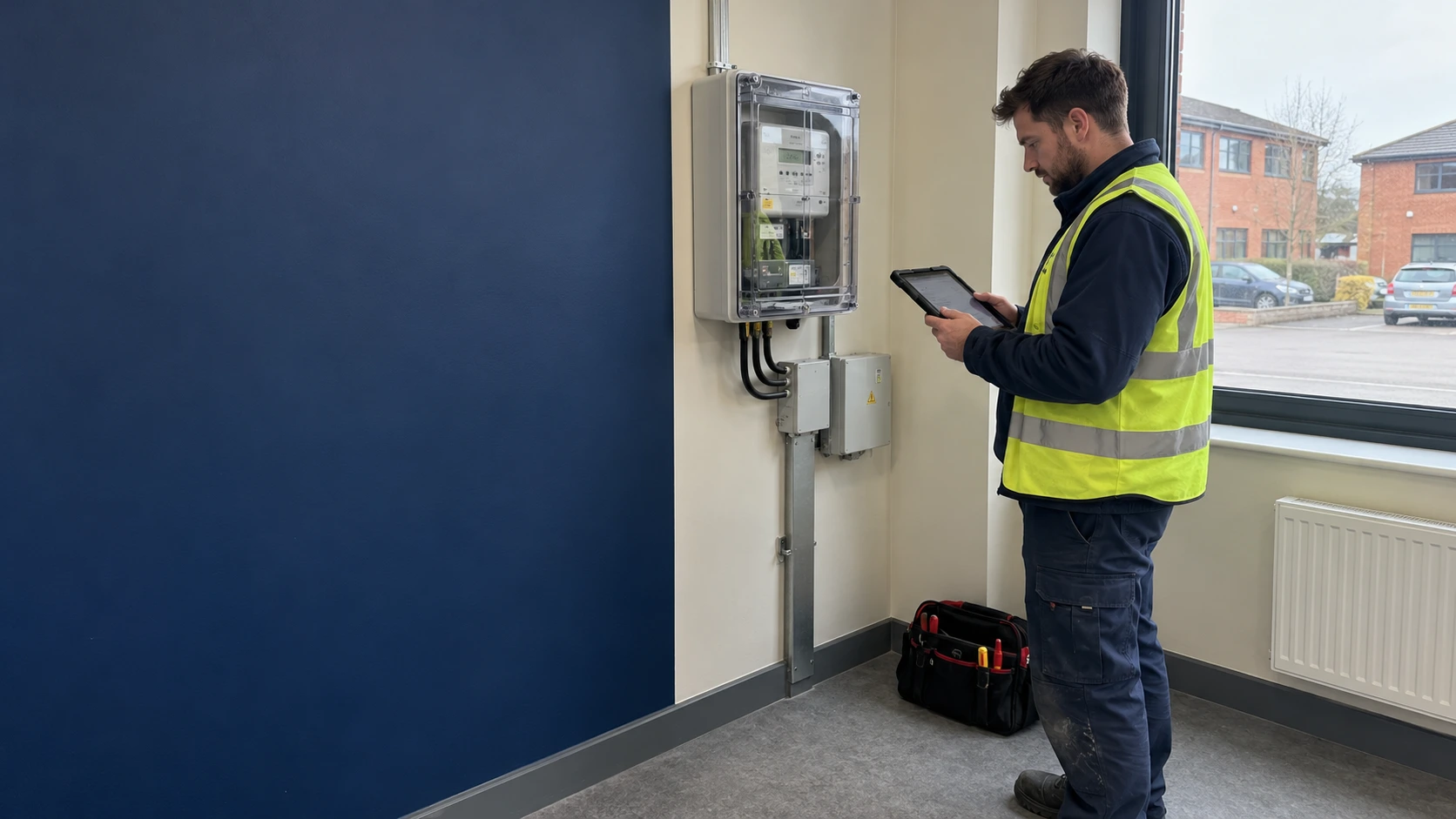
If your premises do not yet have a meter or established supply point, read our new meter installations guide before assuming a routine comparison can complete the whole process.

Not sure what information you need? Visit general business energy support or ask our team for help.

HELPFUL ANSWERS

Energy bill uploads and comparison FAQs

Do I have to upload a bill?

No. You can use the manual-entry option or contact our team for help. Make clear which details are confirmed, estimated or unknown.

Which bill should I upload?

Use a recent readable bill containing the relevant supply, rate and consumption details. Include the necessary pages and follow the file requirements displayed by the tool.

Can AI read my bill incorrectly?

Yes. Automated extraction can misread numbers or confuse dates and units. Check the supply identifiers, annual usage, rates and contract end date before continuing.

Does uploading a bill agree an energy contract?

No. An upload supports the enquiry or comparison. A supply contract requires a separate agreement or appropriate express authority. Read our energy contracts guide.

Why is the annual usage different from my latest bill?

A bill may cover a shorter period or show an estimated annual figure. Check the label, units and period. Our bills and readings guide explains useful distinctions.

Can I compare a new business premises?

A comparison may use estimated consumption and the available supply details. Explain the planned use of the premises and any information that is not yet confirmed. See our moving premises guide.

Do you compare every supplier?

No. We compare offers available through our supplier arrangements. You can ask which suppliers were considered and read our How We Are Paid page for remuneration information.

Is the estimated annual cost guaranteed?

No. It depends on the usage assumptions, included charges and proposed terms. Actual consumption and other applicable amounts can change the final cost.

TWO WAYS TO GET STARTED

Take the next step towards a clearer comparison.

Upload a recent energy bill or enter the details yourself. Check your information before reviewing the available options.